
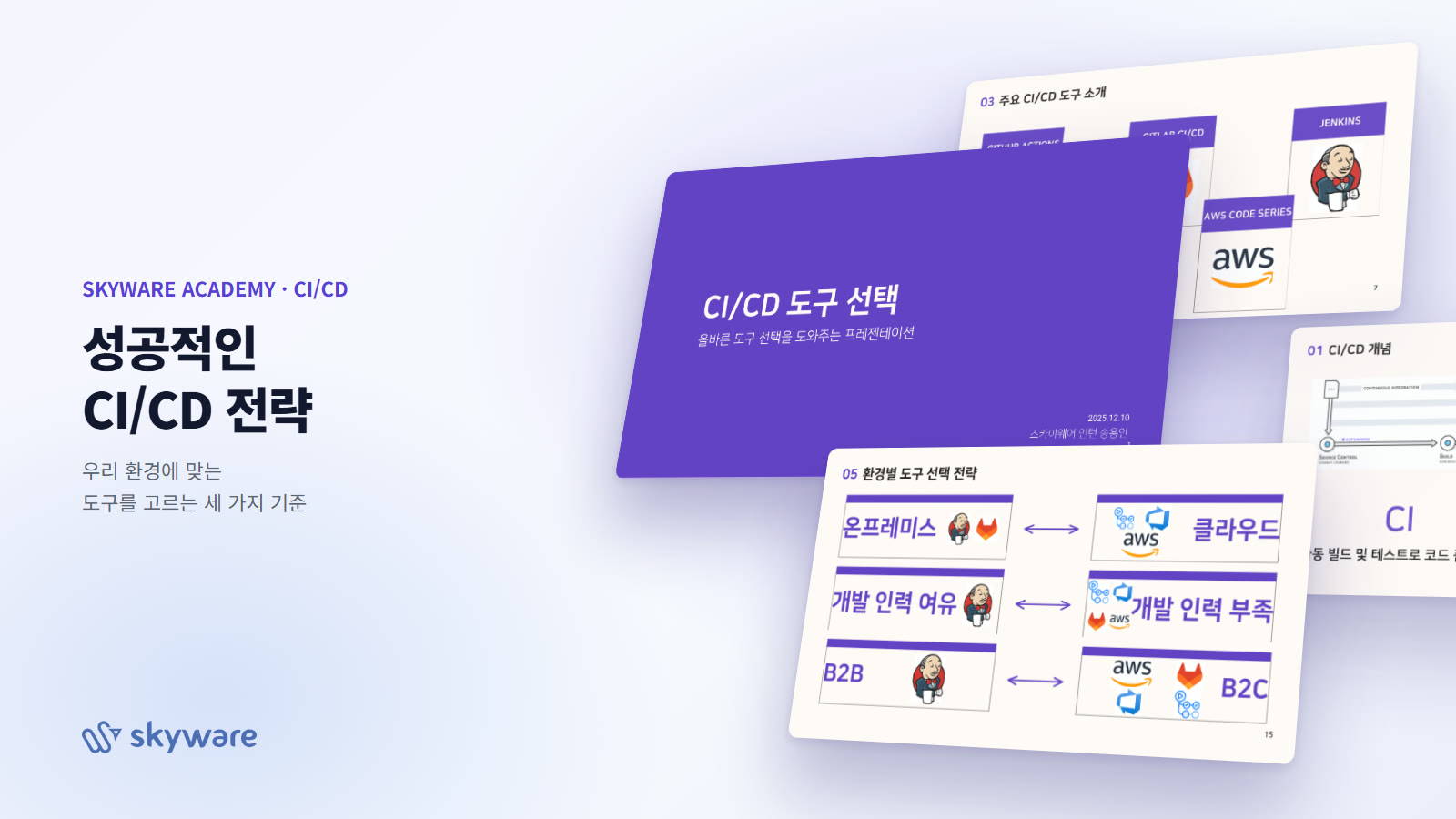
A successful CI/CD strategy: which tools fit our environment?
December 10, 2025 | SKYWARE ACADEMY
At SKYWARE, interns choose their own topic after joining, research it and present their findings. On December 10, 2025, development team intern Song Yong-in gave his first presentation on ‘Choosing CI/CD Tools’. He chose the topic for three reasons: there was a need for criteria to pick the right tool for each project, he wanted to make deployment more efficient, and he had a strong personal interest in it. Here is a summary of the presentation.
01. CI and CD: how far should you automate?
CI (continuous integration) is the stage that automatically builds and tests code every time it is pushed, keeping code quality in check. CD is the stage that puts the result into a deployable state and decides whether it ships automatically or requires human approval. Deploying after approval is called continuous delivery, while shipping straight out without approval is called continuous deployment.
Source commitAutomated build · unit testsStaging deployment · integration testsApproval or automatic deploymentRelease to production
02. On-premises vs. cloud: different starting points
Before choosing a tool, you first need to look at where your code and servers live. For a company like SKYWARE, which often builds systems inside clients’ internal networks, this distinction all but determines the choice of tool.
On-premises vs. Cloud
| Category | On-premises | Cloud |
|---|---|---|
| Pros | Physical security · custom configuration · low maintenance costs | Low upfront cost · reduced operational burden · access from anywhere |
| Cons | High upfront cost · IT infrastructure managed in-house | Security concerns such as data leaks · maintenance costs grow the longer you use it |
03. Five major CI/CD tools
- GitHub ActionsA cloud SaaS integrated into GitHub. Offers more than 10,000 marketplace actions and supports both GitHub-hosted and self-hosted runners. Placing a self-hosted runner on an internal network server lets you deploy from GitHub on the external network to internal servers.
- GitLab CI/CDBuilt into GitLab. Supports both on-premises and cloud, and since GitLab itself and its runners can be installed on internal servers, full CI/CD is possible even on internal and air-gapped networks.
- Azure DevOpsA Microsoft-based DevOps platform. Supports both on-premises and cloud, integrates with any repository including GitHub, GitLab and Bitbucket, and connects with Kubernetes (AKS) and Docker environments.
- AWS Code SeriesA combination of CodeCommit, CodeBuild, CodeDeploy and CodePipeline. Optimized for AWS services, it excels at automating deployments to EC2, ECS and Lambda, and also integrates with external repositories.
- JenkinsAn open-source CI/CD automation server. Fully self-hosted, endlessly scalable by adding agents, with thousands of plugins. Supports both on-premises and cloud.
04. Choosing by environment · Three axes
The presentation’s conclusion was not “the best tool” but “the criteria for choosing in our situation.” These were organized along three axes.
Three axes for choosing a tool
- InfrastructureOn-premises ↔ CloudJenkins · GitLab for internal networks; GitHub Actions · Azure DevOps · AWS Code Series for the cloud
- StaffingAmple ↔ Limited developersJenkins if you have people to run it yourself; managed SaaS (GitHub Actions · Azure · AWS · GitLab) if you’re short-staffed
- BusinessB2B ↔ B2CFor client-site deployments (B2B), tools like Jenkins that can be installed anywhere; for in-house services (B2C), cloud tools for fast deployment
Where the infrastructure lives+Who will run it+Business model=The right CI/CD tool for our project
SKYWARE uses GitLab as its internal repository, so using GitLab Runner for projects on clients’ internal networks and cloud tools for our own services aligns with the presentation’s conclusion. For a first presentation, it did a good job of connecting each tool’s strengths and weaknesses to the environment, and in the next presentation he plans to share his experience setting up a pipeline on a real project.